How to start
1. Install and run Mutable Web extension
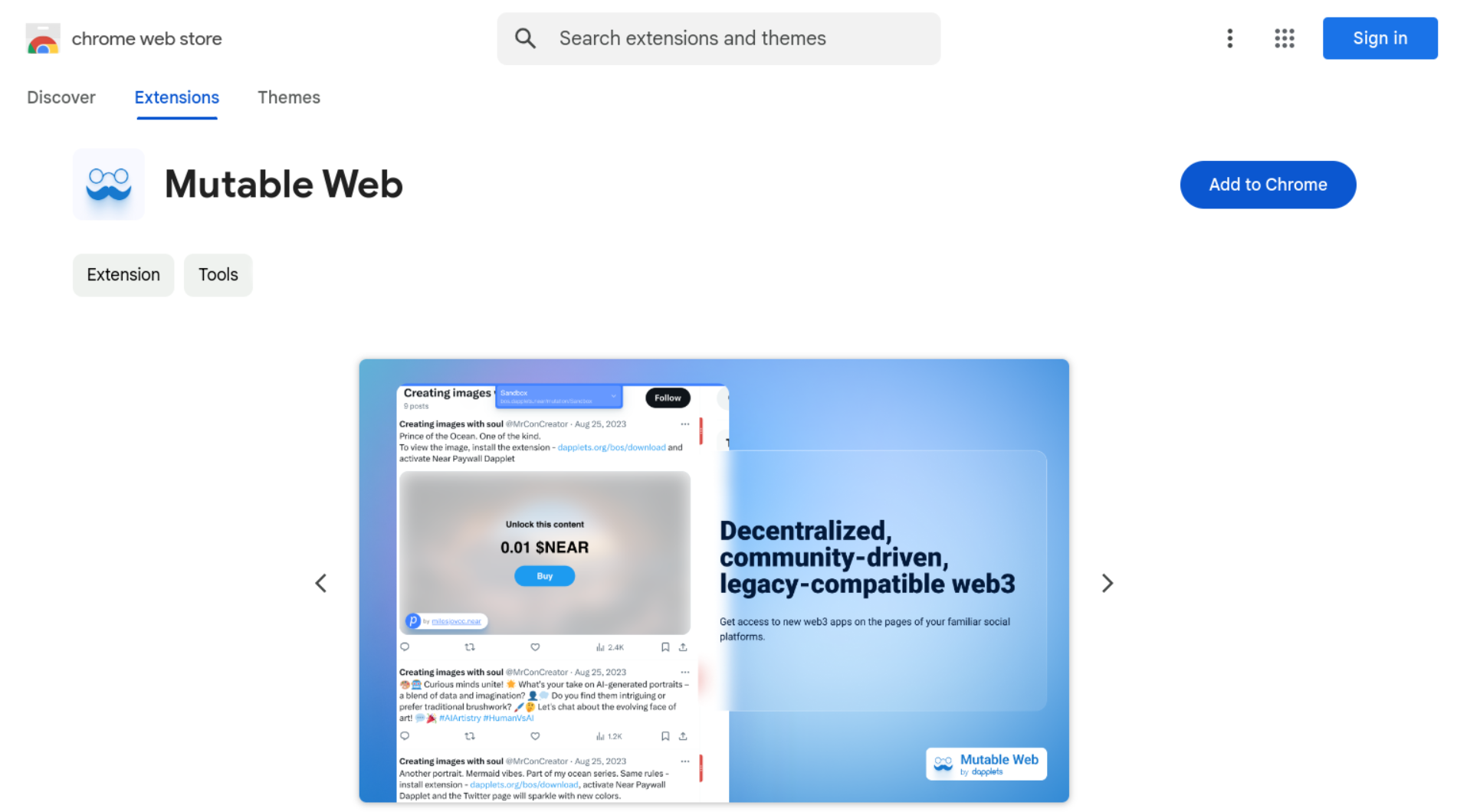
Find and enable applications in the Mutable Web browser extension, which you can install from Chrome Web Store for Google Chrome.
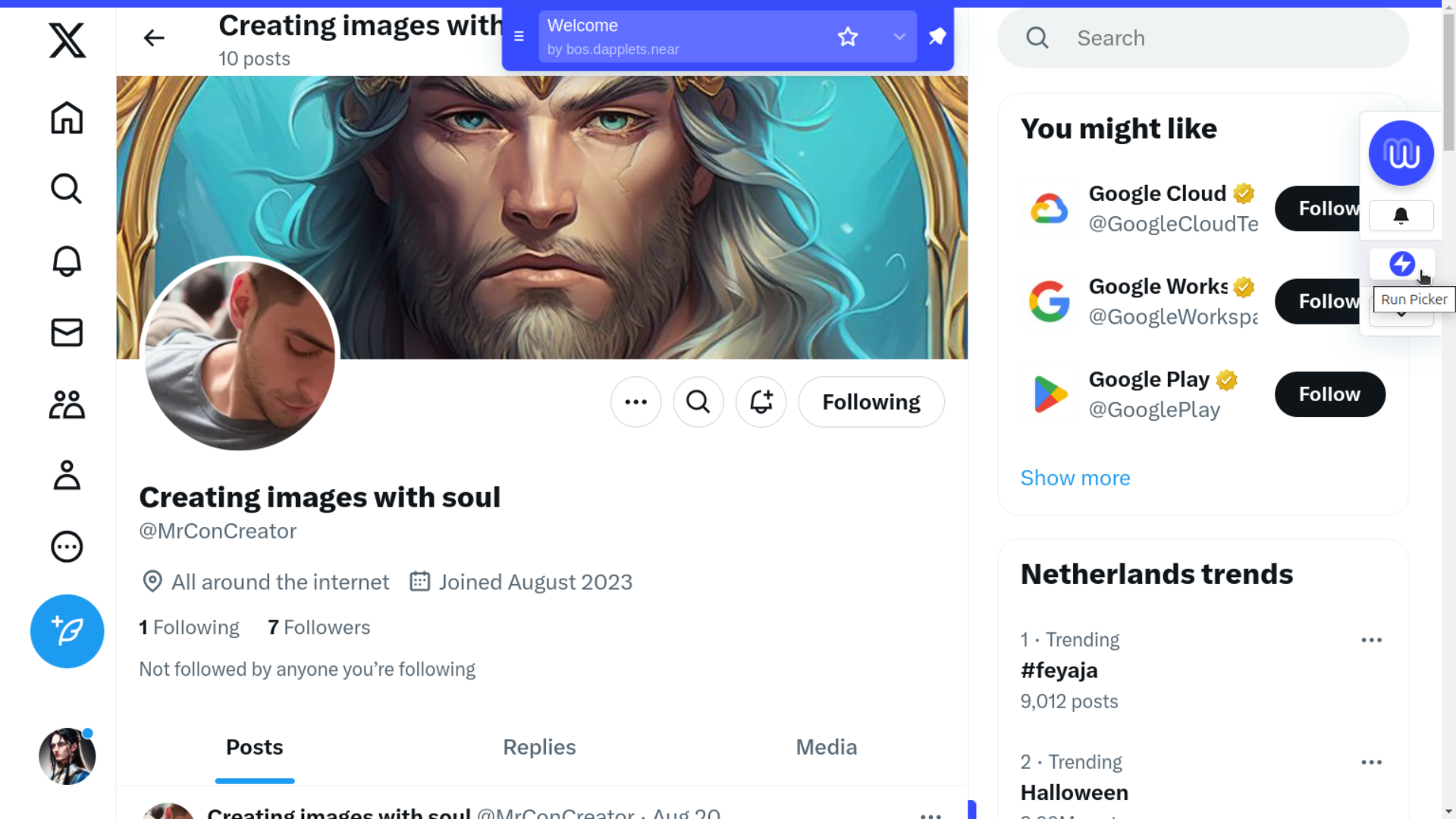
After installing and enabling the extension, open the X social network page. Ensure that the Welcome mutation by bos.dapplets.near or bos.dapplets.testnet, depending on the chosen network, is enabled.
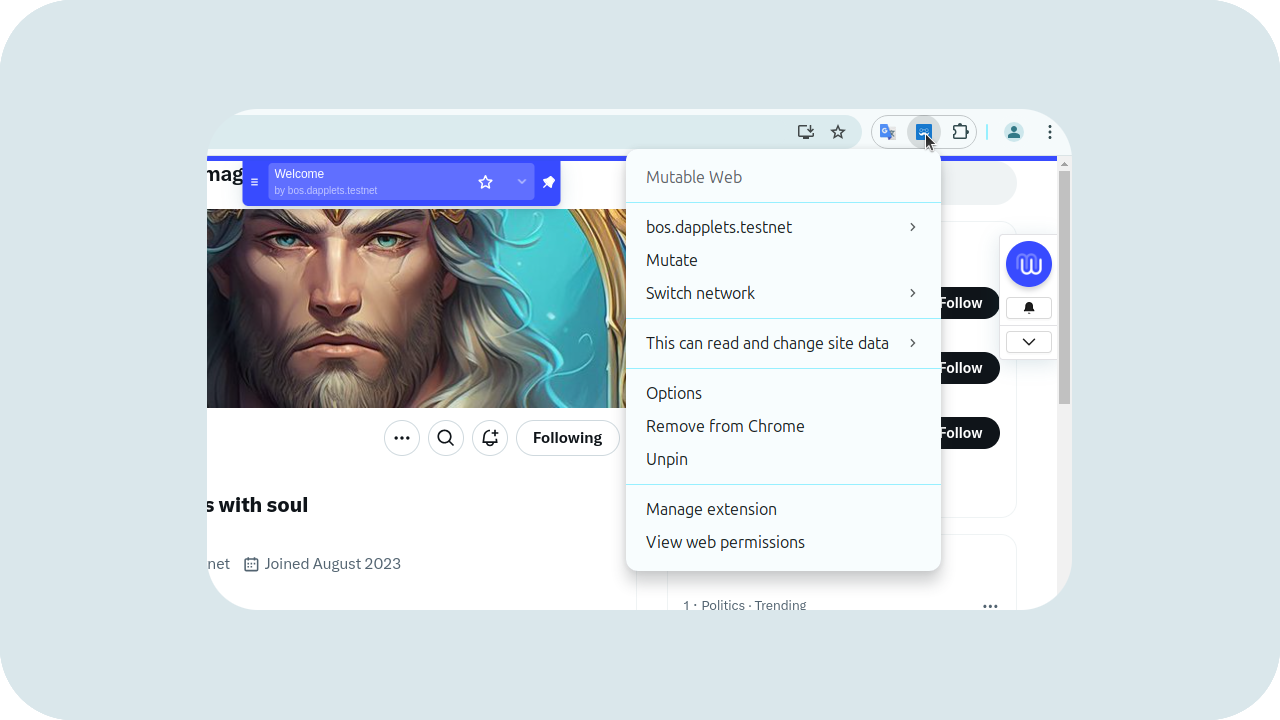
Pin Mutable Web extension button to have a quick access to its options.
2. Near Social
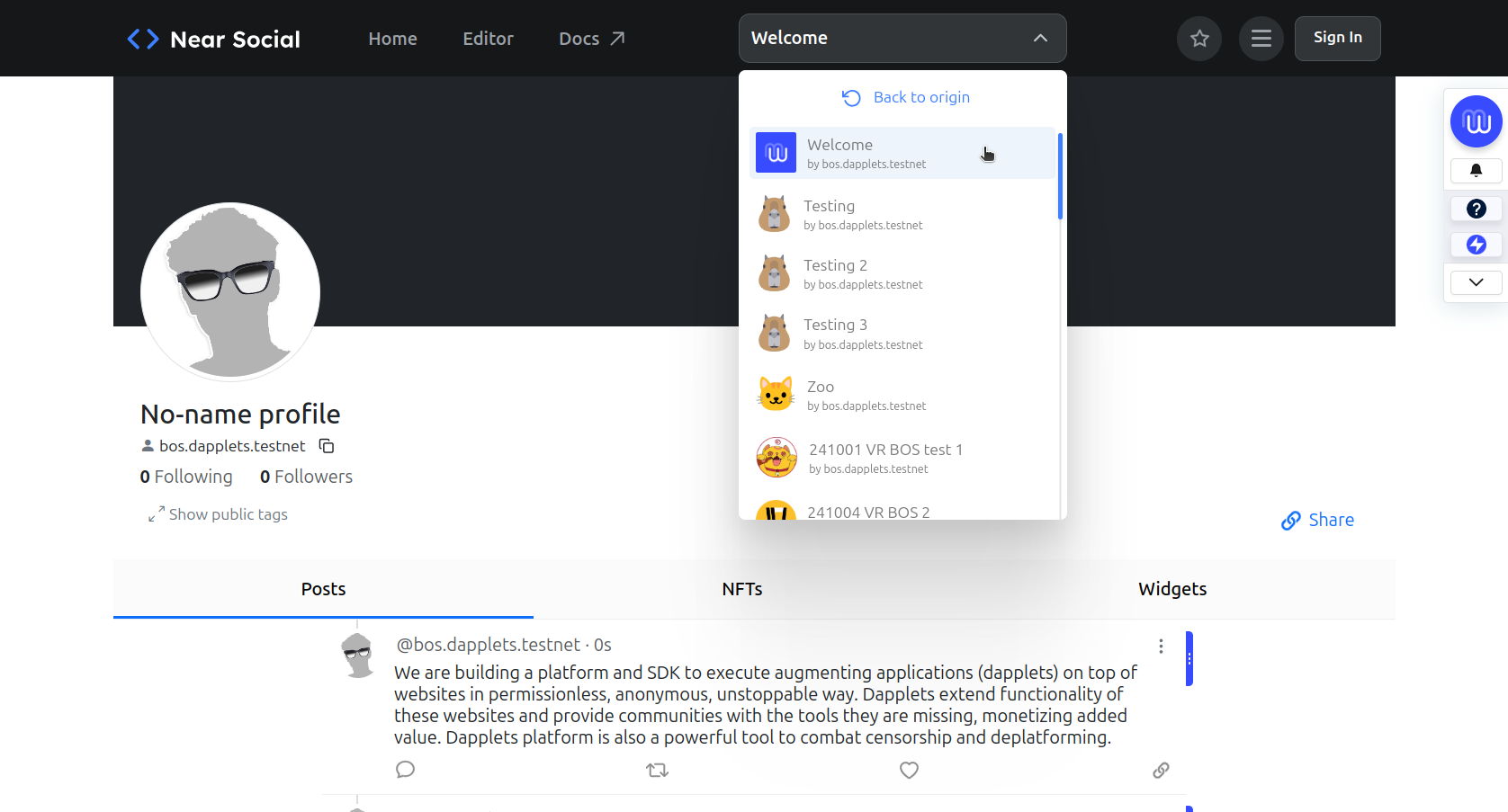
Try Mutable Web without installing the extension. Open the social.dapplets.org site (our fork of Near Social).